See how a child’s device is being used
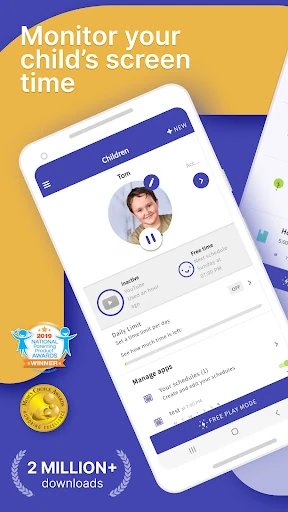
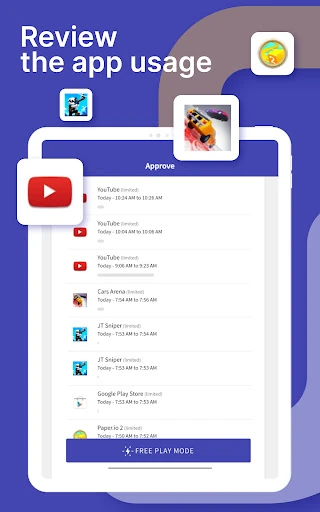
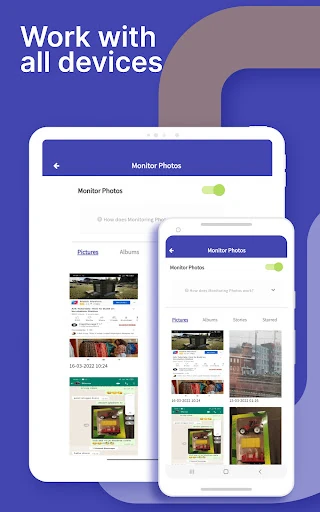
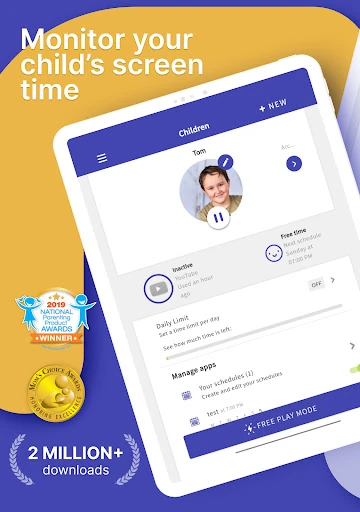
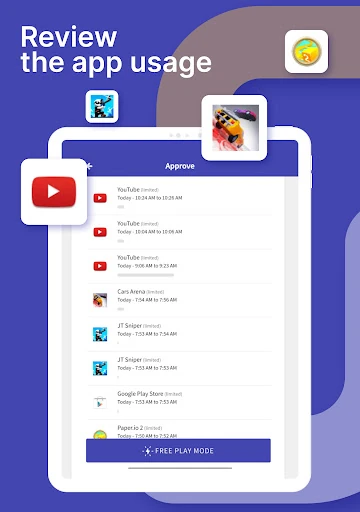
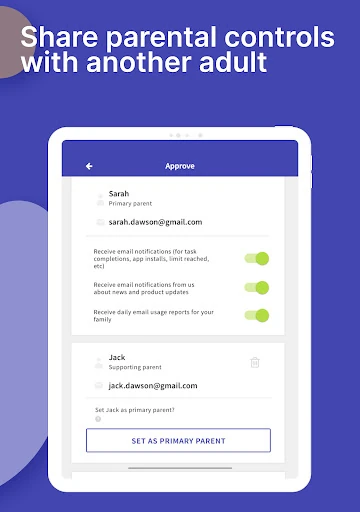
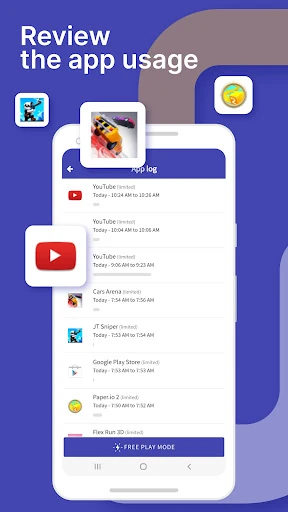
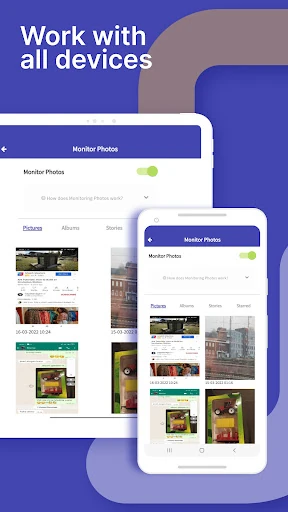
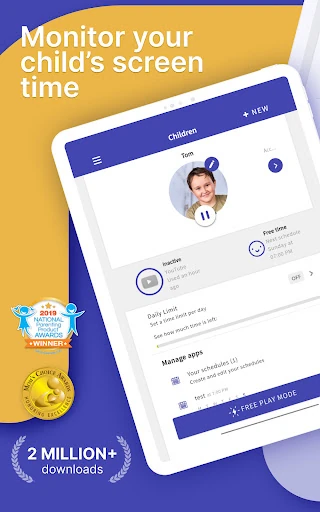
Screen Time - Parental Control gives parents a view of a child’s phone or tablet activity. It reports time spent in apps and on websites, including social media, and can show watched YouTube videos. Daily summaries make it easier to check patterns without having to inspect the device throughout the day. The app is aimed at parents who want clearer information about their child’s screen habits.
Turn reports into household limits
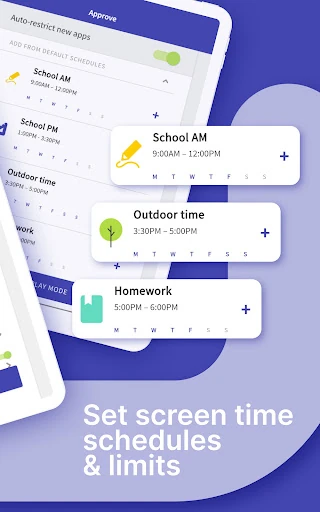
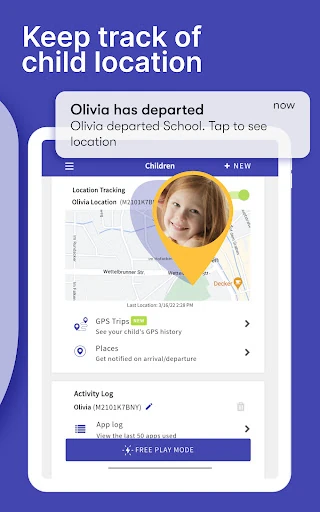
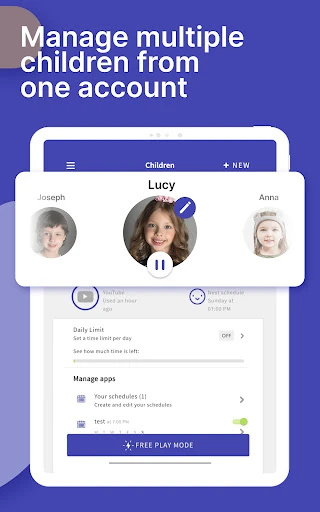
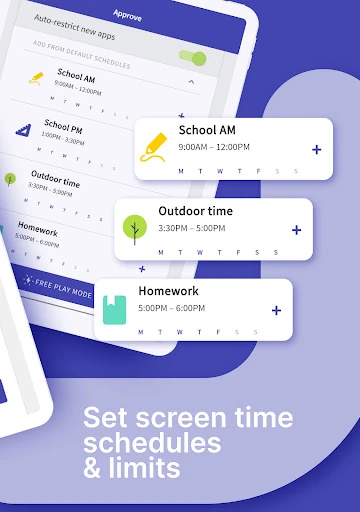
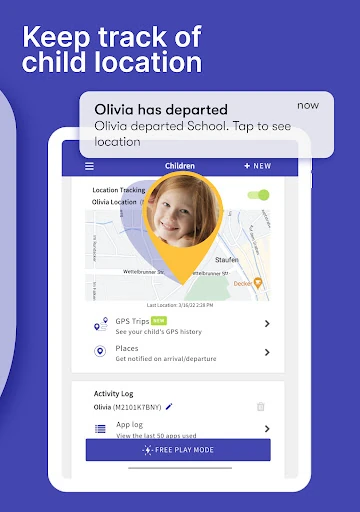
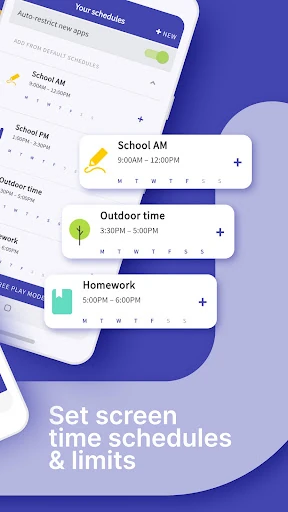
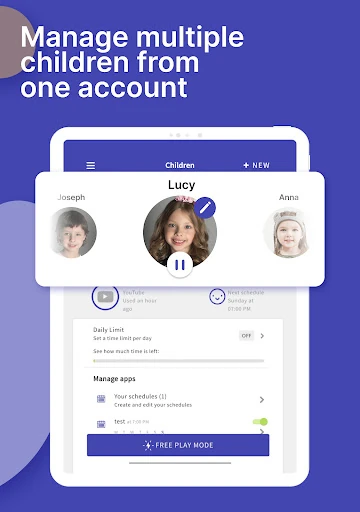
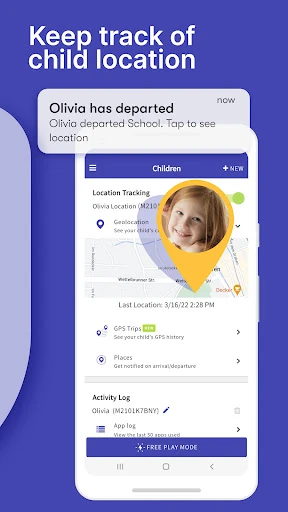
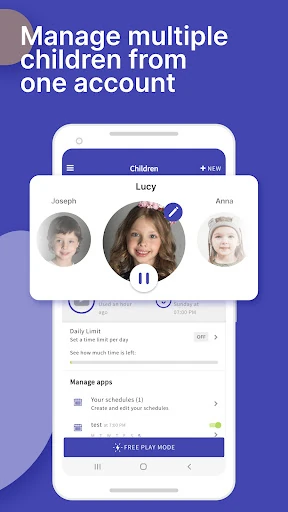
For parents who want to do more than monitor, Premium adds controls for managing access. Set a daily screen-time allowance or a schedule for when a device can be used, pause a device, block selected apps, or restrict use at bedtime. Website history and blocking are also available, alongside location tracking and alerts for arrivals or departures at chosen places.
Useful when rules need follow-through
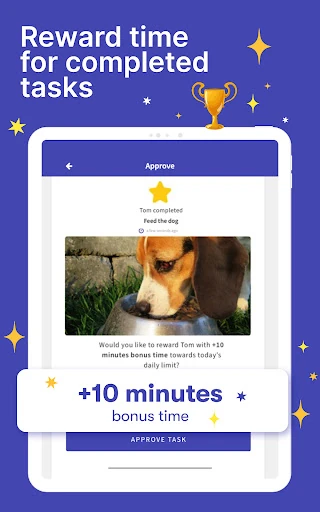
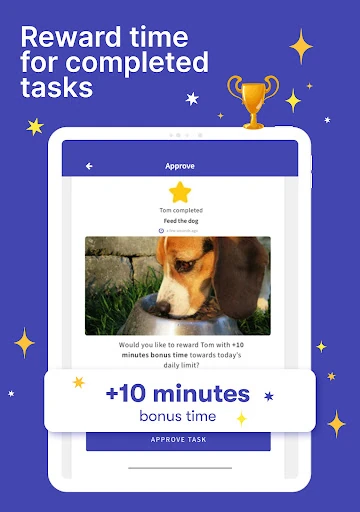
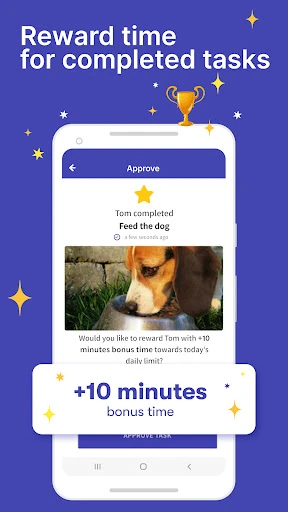
Screen Time can also let parents assign tasks or chores that earn extra device time. Free Play mode provides a temporary way to override the usual settings, such as during a trip. These options suit families who want device rules to be visible and adjustable, rather than relying only on reminders to put a phone away. Some of the more active controls are Premium features, so the basic usage reports and paid management tools should not be treated as the same thing.
A practical fit for parents who check in
The app is published by Parental Control App by Screen Time Labs and is listed in Parenting. Its 3.1-star rating from about 49,000 reviews, alongside 1,000,000+ installs, suggests it has reached many families, though feedback is mixed. It is worth keeping if you expect to review reports and maintain screen-time rules; if you only need a one-time usage check, its ongoing controls may be more than you need.